Translation Settings
Set translation target language and how to switch between different modes
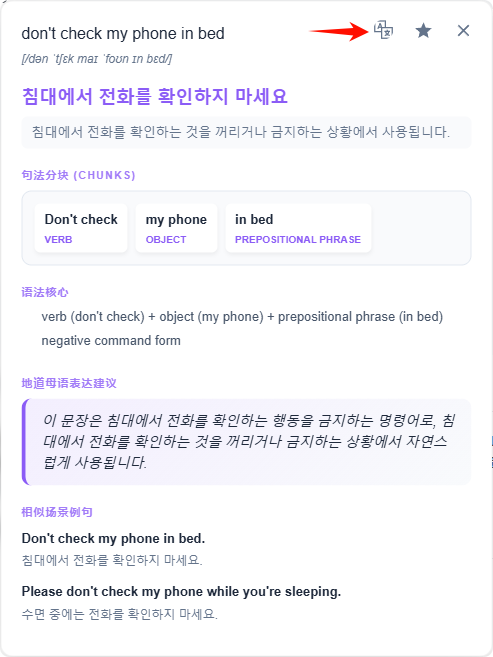
Machine Translation Target Language Switching Method
Click on any word in the subtitle, and select the target language on the right side of the popup result.
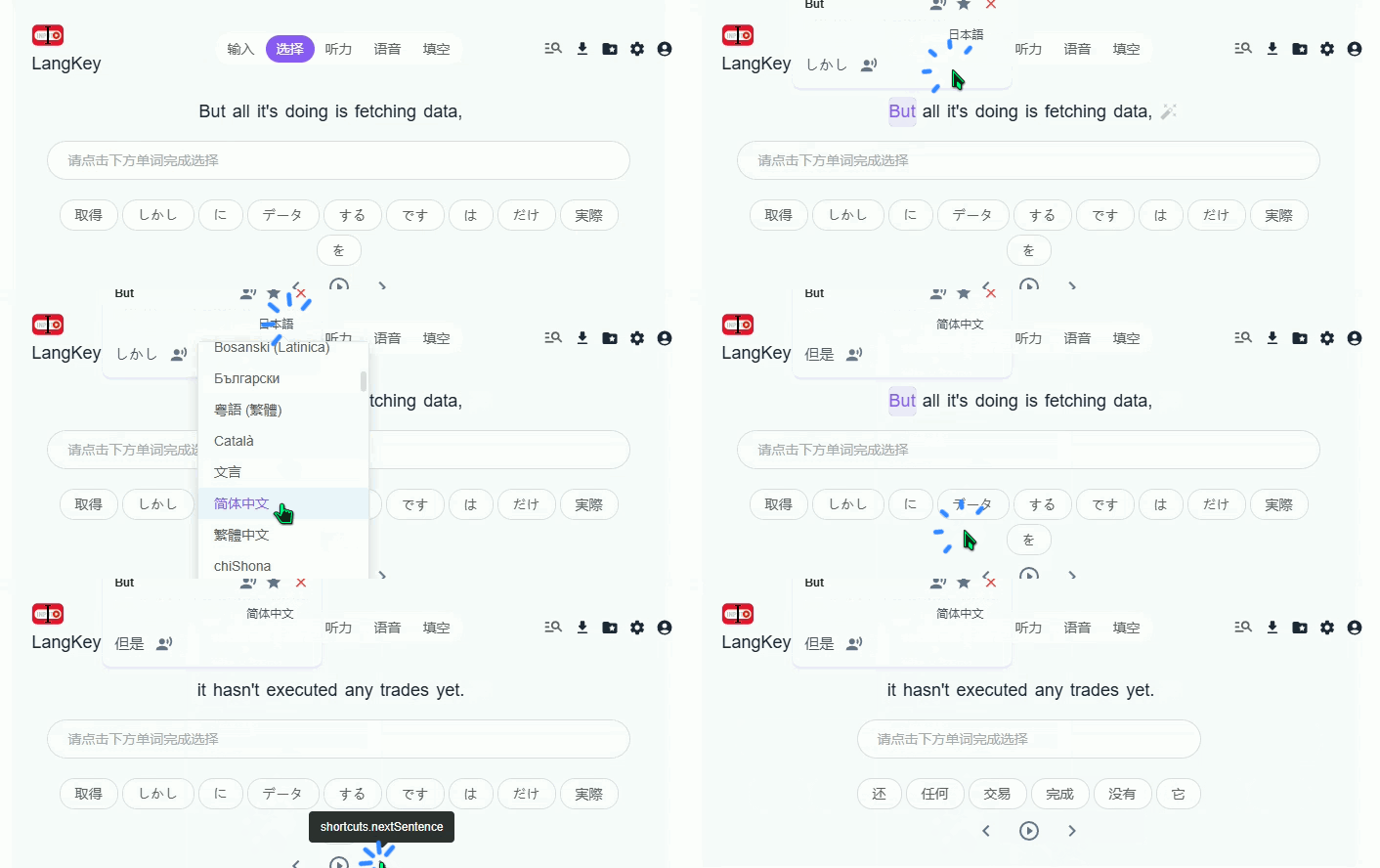
Selection Mode Translation Result Switching Method
Hover over the translation result to see the language switching button
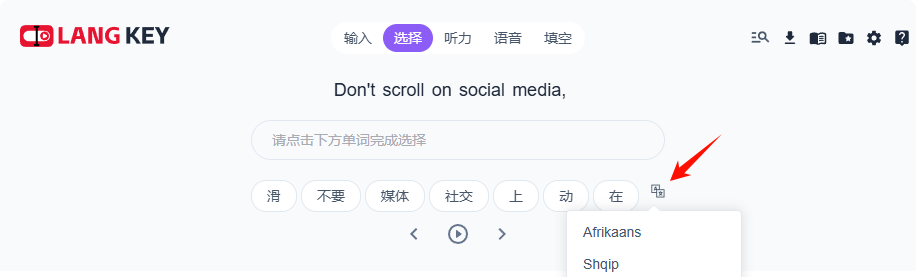
AI Fill-in Mode Translation Language Switching Method
Hover over the AI translation result to see the language switching button
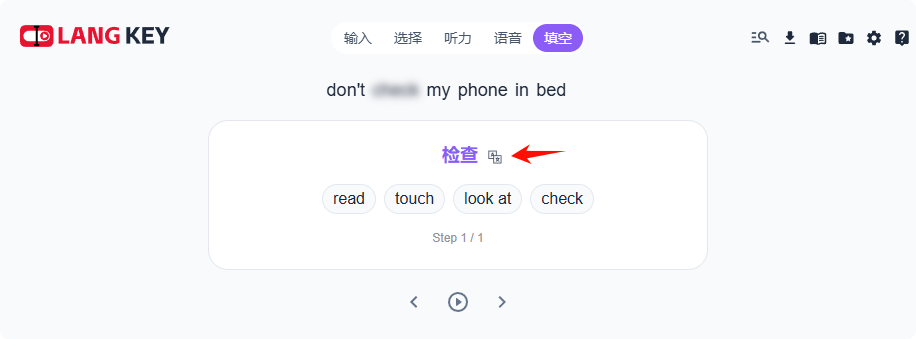
AI Translation Result Display Language Switching Method
The language switching button will appear on the right side of the AI translation result. Click it to switch the translation result language.